A small round friend for your desk.
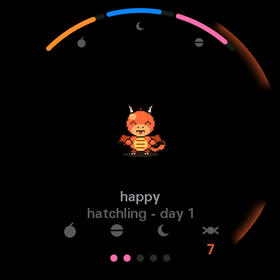
Ember is the software inside a palm-sized round puck. You turn it, tap it and tilt it, and it runs over thirty little apps: a focus timer, a breathing guide, games for one or two, and a pet dragon called Ember who grows up with you.
Five moves, every app.
There are no menus to learn. Every app understands the same few gestures, so once you've used one, you can use them all.
Turn
Rotate the whole puck to change a value or move through a list.
Tap
The main thing: start, pause, pick, open.
Swipe
Flip to another mode or page.
Hold
A second action, like reset. Anything you can't undo asks twice.
Tilt
Games and toys use gravity: roll a marble, slide a dragon.
Small, but it notices things.
The puck is a tiny computer with a round screen. Ember uses every part of it.
Help decide what's next.
More apps are on the way. Look through what's coming in the app store, and if you have an idea or a thought, press the round button in the bottom-right corner and leave a note on anything.
See what's coming