Make: a new app, built without leaving the puck.
Turn through the idea backlog and tap one, or hold the screen and say your own. A helper on your Mac hands the idea to Claude Code, which writes the app, checks it, installs it on the puck over USB and opens it. You try it, then tell the puck to keep it, change it or undo it.
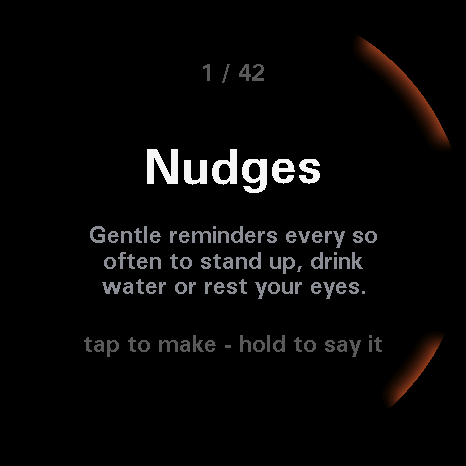
The idea list as opened
The first of 42 ideas from the backlog on the Mac, with a line on what it would do. Tap to make it, or hold to say your own.
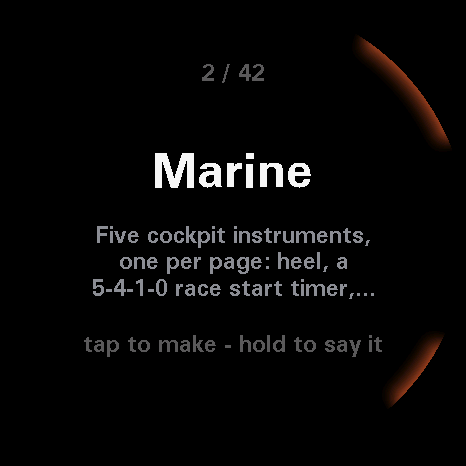
The next idea turn
One click of the turn moves to the next idea. The counter at the top shows where you are in the list.
Turn, tap, hold, then judge the result.
Turn
Step through the ideas, one click a step, with a counter at the top. When Claude asks a question, turn through its two to four answers the same way.
Tap
Make the selected idea. On a question, send the selected answer. On the "I heard" screen, confirm what the Mac understood and start the build.
Hold
Hold the screen to say your own idea, up to eight seconds. Let go to send it. The Mac transcribes it and shows the words back before anything is built. Hold again on that screen to drop it.
Keep, Change, Undo
When you leave the new app, Make asks how it was. Turn to a choice and tap. Undo asks for a second tap within three seconds so a slip cannot throw the app away.
The Mac does the work.
What you need on the Mac
- Claude Code signed in, and
uv. The puck on USB, with nothing else holding the serial port, so close the Settings page first. - From the
tinker/folder, runuv run tools/maker/maker.py serveand leave it running. Opening the port reboots the puck once. Then open Make. - Voice needs an Apple silicon Mac. Clips are transcribed on the Mac, offline. The first run downloads the model. Picking from the list works on any Mac.
- The Build page walks through the whole setup.
What happens during a build
- A ring fills as the job moves through its stages, with the stage named in the middle. You can leave Make and use other apps. If Claude has a question, the puck pings and brings Make back.
- Claude writes a Lua app, the helper checks it, then copies it to the puck over USB. No reflash and no restart. The new app opens on its own and the helper watches it for twenty seconds.
- If the app crashes in that time the helper removes it and the puck shows what went wrong. If an idea needs something the puck's app API cannot do, the job stops and says so.
- While the job is writing or checking, hold twice to cancel. Only one job runs at a time.
Keep, Change and Undo
- Keep commits the app and its screenshot on the Mac. It stays on the puck.
- Change offers five presets (simpler, bigger text, calmer colours, faster, different look), or hold to say what should change. Claude picks up the same session, and the new version replaces the old one on the puck. The back button returns you to the review.
- Undo removes the app from the puck. The review survives a reboot, so leaving the new app later still brings you back to this choice.
What did you make?
If you have run a build from the puck, press the round button in the corner and say what you asked for and how the result went.
Back to the store