What's new in Ember. New apps for the puck, and changes to the firmware and these pages, newest first.
Latest
Ember 2.12: the quieter lines of text are easier to read.
- FixedHints, dates and the quieter lines in Settings are brighter. Their grey was too dark to read at a glance on black. Everything that used it moves up together, so the main number still stands out most and the hint stays below it. 2.9 brightened only the hints; 2.11 undid that while this better fix was on the way.
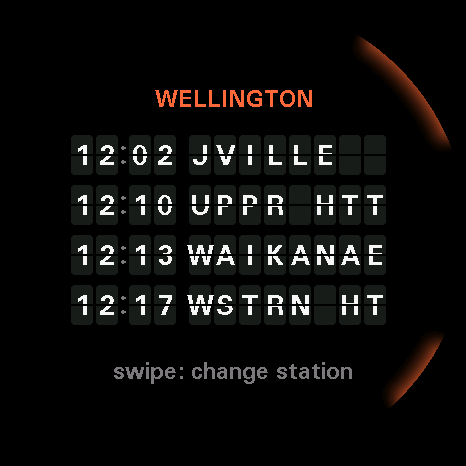
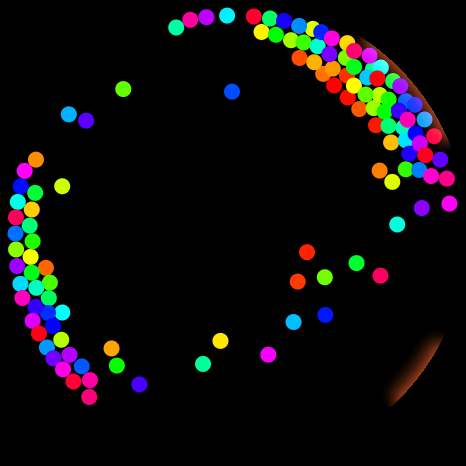
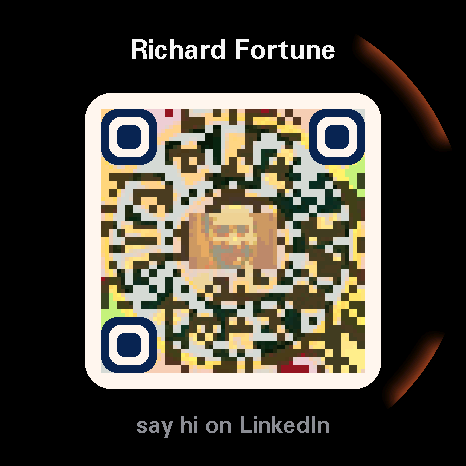
Ember 2.11: a screen saver that shows the battery as water, and face down puts the screen to sleep. Also Departures, Particles and Say hi.
New apps
- NewA screen saver on USB power. Water fills the glass to the battery level. It stays level as you tilt the puck, sloshes and ripples, and bubbles rise while it charges, with the time and the percentage on top. Turn it off under Screen saver in Settings, on the puck or the Settings page, and USB power sleeps the screen the way the battery does.
- NewFace down sleeps the screen. After a second face down the screen goes off, and touches, bumps and buttons are ignored until you turn the puck back over. Apps keep running, so Busy light still goes busy.
- FixedApps that fetch over https have room to do it. The firmware keeps more memory free for them. Departures failed every fetch before this.
- ImprovedThe Settings page warns before stepping a puck back. If your puck has newer firmware than the site, it asks before installing the older one.
Ember 2.10: your bus stop, on the puck.
New app
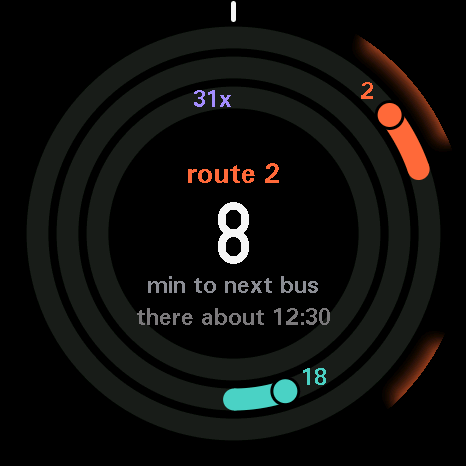
- NewA Bus card on the Settings page. Find the stops near you, tick up to three routes and say how long the walk to the stop is.
- ImprovedLua API level 6 lets an app read the bus setting.
Ember 2.9: the puck updates itself over Wi-Fi. Update over USB once more to get it, and that's the last time you need the cable.
- NewFirmware updates over Wi-Fi. Settings has a Firmware item that checks for a new version when you open Settings. Tap to install. It takes about 15 seconds, then the puck restarts.
- NewA bad update undoes itself. The puck keeps the firmware it had until the new one has started cleanly. If the new one crashes, the puck goes back to the old one.
- ImprovedLonger battery life with the screen off. Five seconds after the screen goes off on battery, Wi-Fi turns off and the puck sleeps between checks for a touch or a button. Back wakes it at once.
- FixedHints at the bottom of the screen are easier to read. They were too faint on black.
Ember 2.8: Simon runs smoothly. Also Nightlight.
New app

- FixedSimon's board no longer drags the frame rate. It had slipped to 11 frames a second after the move to a package; it draws at 22 again, the same as the other games.
- ImprovedLua API level 5 gains
sector, a cheap filled pie slice for big areas of colour.
Ember 2.7: the last eleven apps become packages. Every app you can shop for is now one you can remove, and the Lua API reaches the network, the mic and Bluetooth.
- ImprovedClock, Duel, Moon, Weather, Day ring, Outside now, Wind rose, Tuner, Sound, Knob and Mac dial are packages. Same controls, same look. Day ring and Outside now draw faster than before because their rings are painted once and kept.
- ImprovedThe desk clock on USB power is part of the firmware, so it shows whatever apps you have installed.
- ImprovedLua API level 5. Installed apps can fetch over Wi-Fi without stalling, read the place and time zone from Settings, tell the time in another zone, read the mic's level and pitch, drive the Bluetooth link to a Mac, write upside down for a player opposite, and draw the moon.
- ImprovedOnly Ember, Breathe and the firmware's own screens are built in now. The firmware is the platform; the apps are the store.
Ember 2.6: five short sounds every app shares, and Simon has its notes.
- NewSimon plays its four notes, one per colour, as the sequence lights and as you tap it back. A wrong tap gets a soft fall, a new best a little rising chime.
- NewA sound kit every app shares. Five sounds, made once in the firmware and kept as quiet and short as the original tick and ping. A tick on each step, a soft ping when a tap lands, a lift when something opens, a rising chime for a win or a new best, a soft fall for a miss. Breakout, Stack, Orbit, Dodge, Ring snake, Spin, Marble, Dice, Tally and Level use it where play happens; nothing loops or nags.
- FixedSafe clicks louder on the right number again, the way the built-in version did.
- ImprovedLua API level 4 gains
sound(name)for the kit and a volume onclick().
Ember 2.5: nineteen apps are now packages in the store. Same apps, same controls. Remove the ones you don't use, and get new ones without a firmware update.
- ImprovedNineteen apps moved out of the firmware and into the store as packages: Tally, Snow globe, Spin, Claude, Dice, Level, Simon, Stack, Ring snake, Safe, Marble, Orbit, Dodge, Breakout, Busy light, Metronome, Timer, Focus and Standup. They come with the firmware as before, look and play the same, and Remove in the store now frees their space. A removed one stays removed through updates.
- ImprovedTimer, Focus, Standup and Busy light keep counting through a power cycle. They save when they started, not just that they were running.
- ImprovedLua API level 4. Installed apps can draw into a background that stays put between frames, which is how Breakout keeps its bricks cheap.
- FixedA puck that already had apps now receives new built-in ones on its first boot after an update, not only on a fresh puck.
- ImprovedSmall differences from the built-in versions: Safe's dial clicks the same on every number (it used to click louder on the right one), Breakout starts a new game each time you open it, and Level's zero, the high scores and the Metronome's tempo start fresh once.
Ember 2.4: the paddle stays where you left it.
- FixedA puck at rest no longer turns by itself. In Breakout, Ring snake and the other turn-to-steer games the paddle crept clockwise with nobody touching the puck. The dial now ignores the gyro's resting jitter and keeps re-zeroing while the puck sits still.
- FixedDay ring's hours of light no longer touches the sunrise and sunset line above it.
Ember 2.3: take apps off the puck, a store sorted by what the apps do, and Coin flip and Rock paper scissors on every puck out of the box.
- NewRemove the apps you don't use. Every app in the store has Install and Remove now, the built-in ones too. A removed app leaves the launcher and the Home ×2 list; Install brings it back.
- ImprovedInstalled apps sit with their kind. Coin flip sits with Tools and Rock paper scissors with Games, not on an "Added by install" shelf of their own, and they land in the same folders on the puck.
- ImprovedThe parts of the firmware that aren't apps you shop for, like Home, Wi-Fi and Make, left the store. Settings lists them under Firmware.
- NewTwo apps come with the firmware. Coin flip and Rock paper scissors are on a fresh puck without a visit to the store. Remove one and a later update leaves it removed.
- ImprovedYour Home ×2 app stays put. The puck remembers it by name, so adding or removing apps no longer moves the shortcut. Pet, replaced by Ember weeks ago, is gone from the firmware.
- ImprovedLua API level 3. Installed apps can draw ticks, triangles, boxes and glows, mix colours, measure text, play a tone, keep the screen awake, and set an alarm that opens the app later.
- FixedThe store no longer shows two of Tally and Snow globe. The Lua test copies are out of the catalogue.
- FixedA slow Wi-Fi join is left to finish. The half-minute rescan no longer interrupts a join that is under ten seconds old.
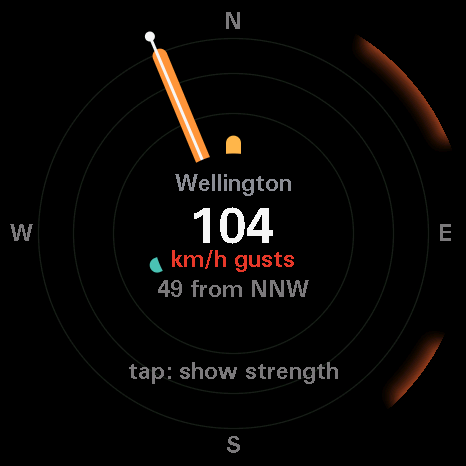
Ember 2.2: the puck remembers up to four Wi-Fi networks. Also Wind rose, a tidier screen on every app, and votes on the store's ideas.
New app
- NewSaved networks. Add your home Wi-Fi and your phone's hotspot on the Settings page and the puck joins whichever is in range, strongest first. While it is offline it looks again every half minute, so it follows you out of the house. The Wi-Fi app on the puck adds a network the same way it always did, and its hold forgets the one in use.
- NewWant this. Every idea on the store has a vote button. Tell us which to build next, and why.
- ImprovedEvery app's words sit on the same grid. Title, big value, label, detail and controls each have a fixed line, so nothing overlaps and the apps read alike. Installed apps get the same lines in the Lua API (level 2).
- ImprovedFocus counts the sessions you finish, and keeps timing while the screen sleeps.
- ImprovedClock responds to a tap, and app icons draw smoother.
- ImprovedThe Wi-Fi screen says why a connection failed, in words.
- FixedIf the puck goes quiet after a firmware update, the Settings page now tells you to hold Back for five seconds and reconnect.
Ember 2.0: install apps and update the firmware from your browser.
New apps


- NewInstall apps from the store. The store puts an app on the puck over USB in a few seconds, with no reflash, and removes it the same way. Both new apps above were made this way, along with Lua versions of Tally and Snow globe.
- NewUpdate the firmware from the Settings page. The Firmware card shows what your puck is running and updates it, keeping your settings and apps. With nothing connected, the same card puts Ember on a new puck.
- NewMake builds apps in Lua. A build takes about two minutes and lands on the puck without a reflash. An app that goes wrong shows its error on screen instead of restarting the puck, and one that runs away or eats memory is stopped.
- ImprovedInstalled apps have their own icons in the launcher and on the store.
- FixedIf the puck stops answering over USB, hold the Back button (the smaller, lower one) for five seconds to restart it.
Ember has the whole puck now.
- ImprovedNo more dual boot. The Boot Watt setting and the dual-boot steps are gone. The Build page says how to keep a backup of what was on the puck before you flash.
- FixedThe launcher's dots keep clear of the home tab when a folder has many apps.
- FixedThe Home ×2 shortcut stays on the app you chose when apps are added or removed.
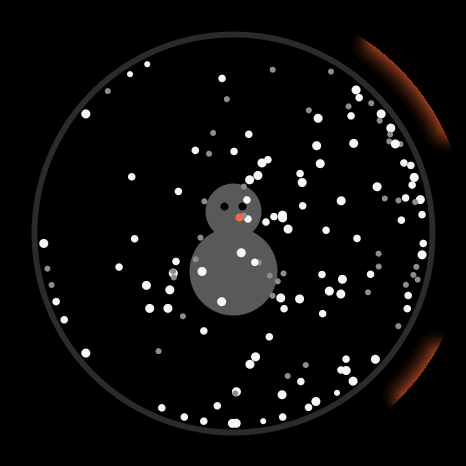
A dial for your Mac, and a snow globe.
New apps
- ImprovedMac dial scrolls the natural way. Clockwise scrolls down.
- FixedApps start cleanly after Knob and Mac dial. Leaving either one stops Bluetooth and frees its memory, so the next app has room.
- ImprovedEvery app store category opens on a featured app, and three rows on the store's home page have a spotlight band.
- ImprovedMake shows how far along it is in the title while it builds.
Six new apps, and Make: build your own from the puck.
New apps
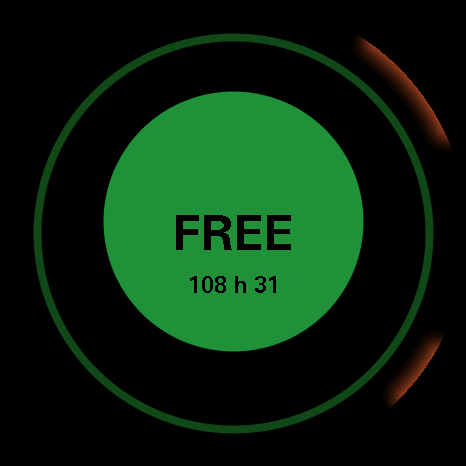
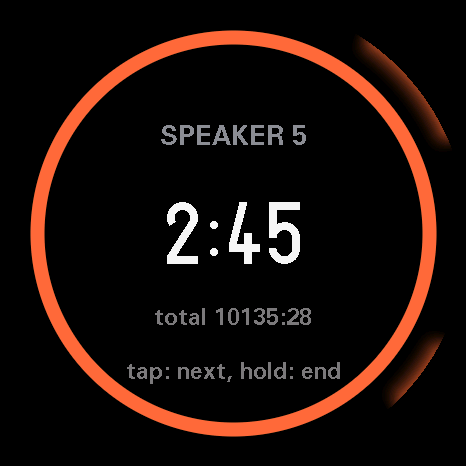
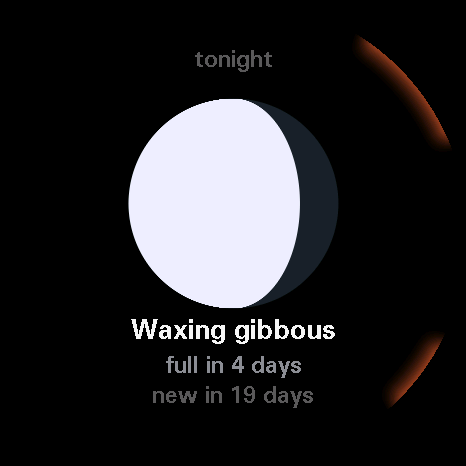
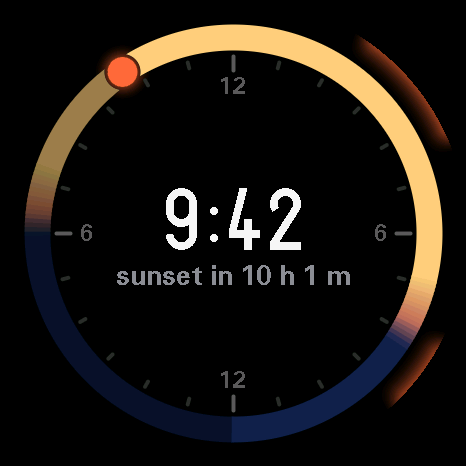
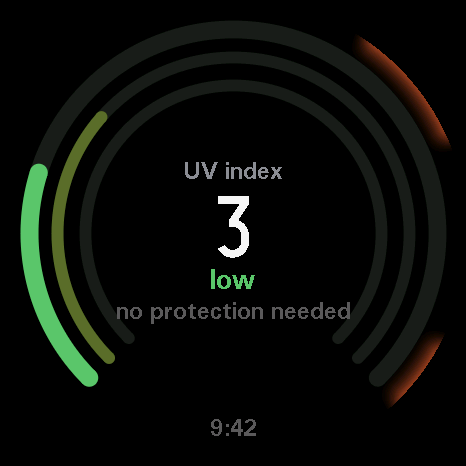
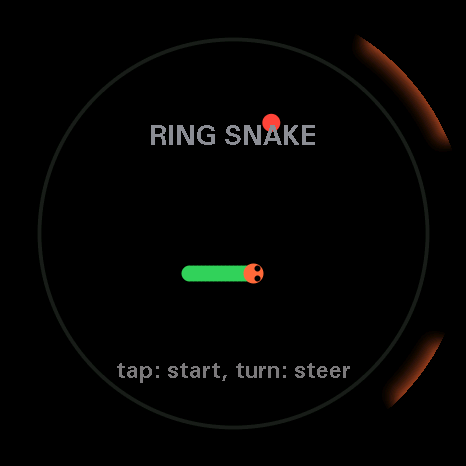
- NewMake builds new apps from the puck. Say what you want, and Claude on your Mac writes it and flashes it. A build takes about five minutes. How to set it up
- NewThe app store is a real store now, with a featured app, category chips, shelves, a Productivity category, and a sheet for each app.
- NewTwo new pages: About, and Build, a guide to setting up the puck and building an app.
- NewSettings finds your location. Type a place name, press Find, and it fills in latitude, longitude and timezone.
- ImprovedEmber's pages went light: warm white, rounded type, and the pucks as product shots.
- ImprovedConnect puck explains what you need first, and the settings stay hidden until a puck is connected.
- ImprovedThe power button opens the folder list, not the Home face.
Ember gets its name, and settings on the web.
New apps
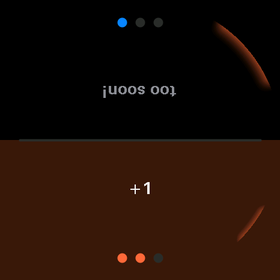
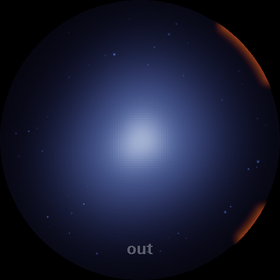
- NewThe firmware is called Ember, with its own look on the puck. The dragon got new colours to match.
- NewSettings in the browser. Plug the puck in and change brightness, sound, sleep and Wi-Fi from Settings, with no reflash.
- NewA home button that works in every app.
- ImprovedTimers keep running when you leave them.
- ImprovedFaster screens and smoother app switches.
- ImprovedSofter ticks and pings.
- ImprovedKnob steps the volume every 4 degrees, down from 6.
- ImprovedEmber's games explain themselves, and the dragon says why when it won't do something. Fire defence unlocks earlier, when it's a juvenile.
The first build, and a dragon.
New apps
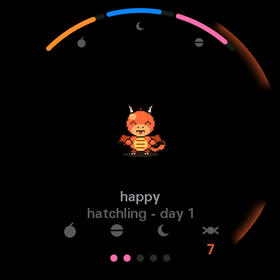
- NewThe first Ember firmware, with a launcher and the first set of apps.
- NewThe dragon reacts to you. It notices tilting, tapping and loud noises, and has a chiptune voice.